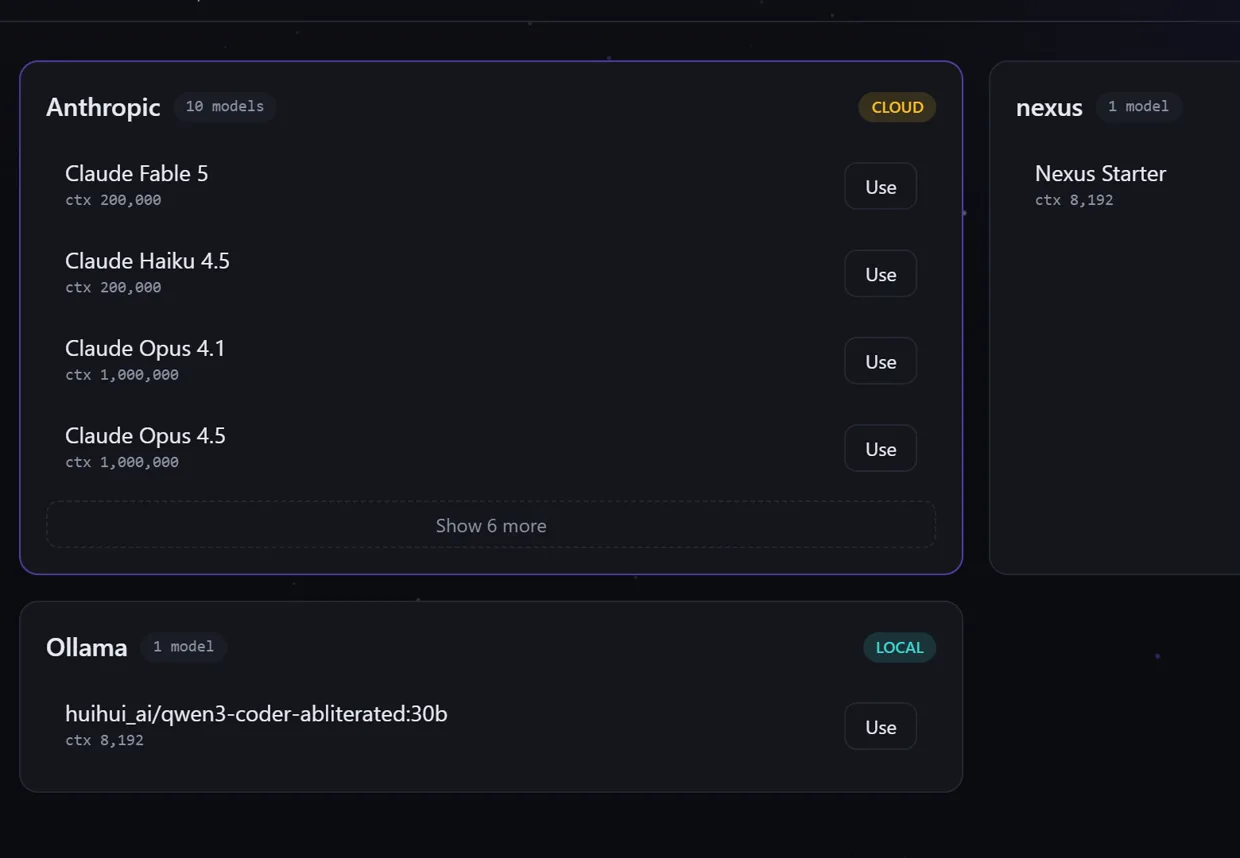
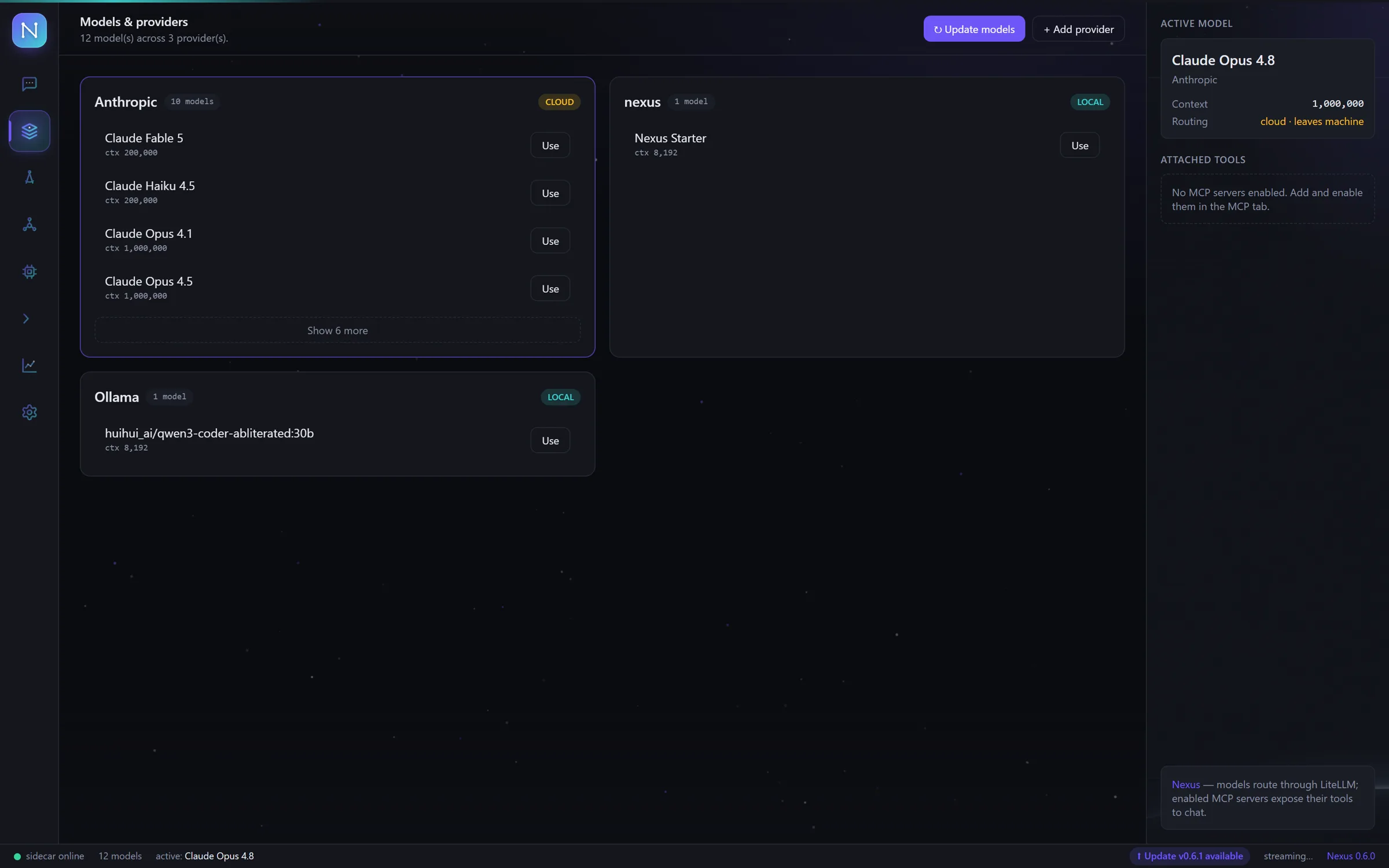
50+ providers, one deck
Add one API key per provider and every model lands in the same cockpit. Search the whole catalog by provider or model name.
// mission control · v0.6.1
One desktop cockpit for GPT, Claude, Gemini — 50+ cloud providers and your local Ollama models — flying on your own API keys.
Windows · macOS · Linux — full features, no card required
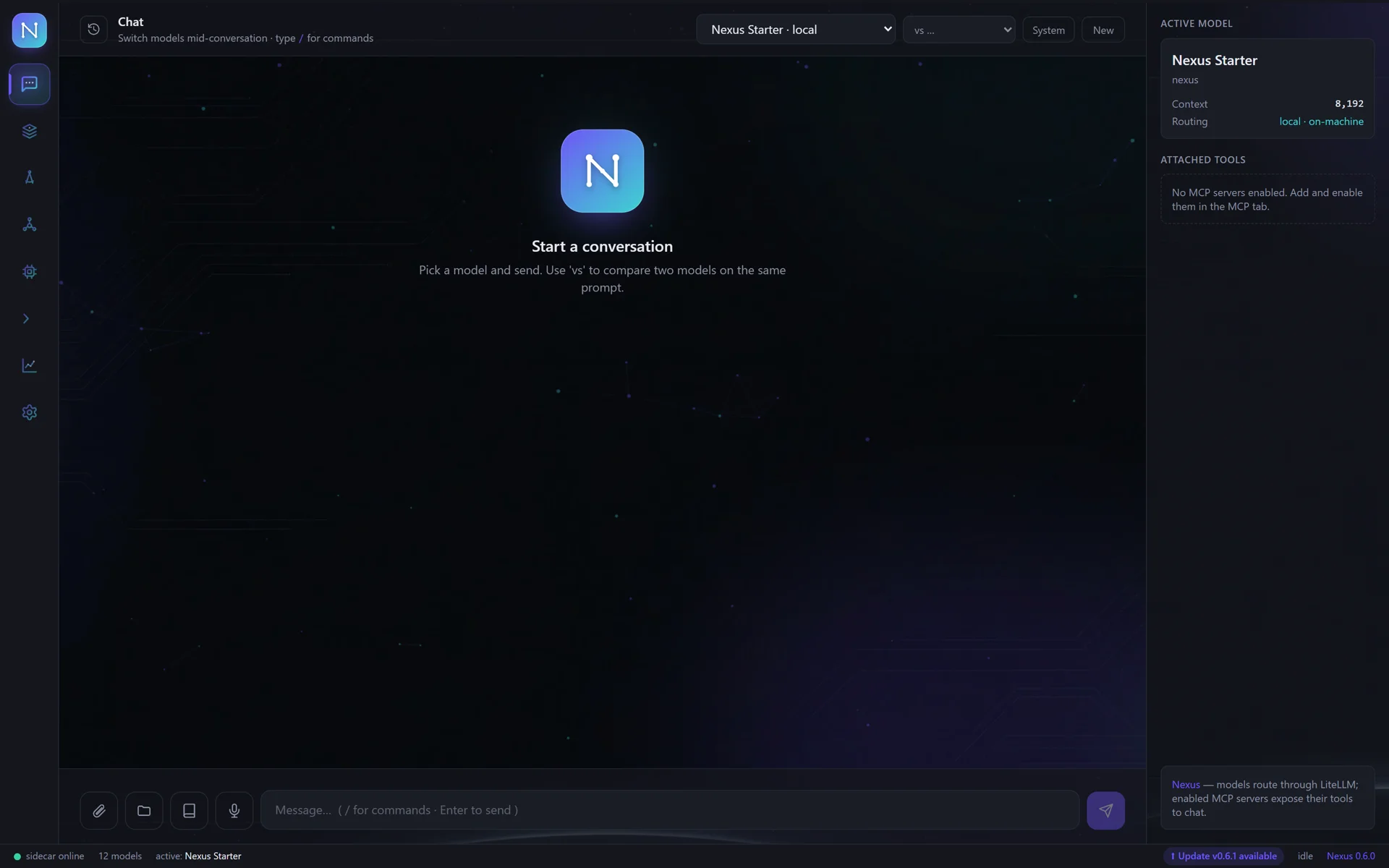
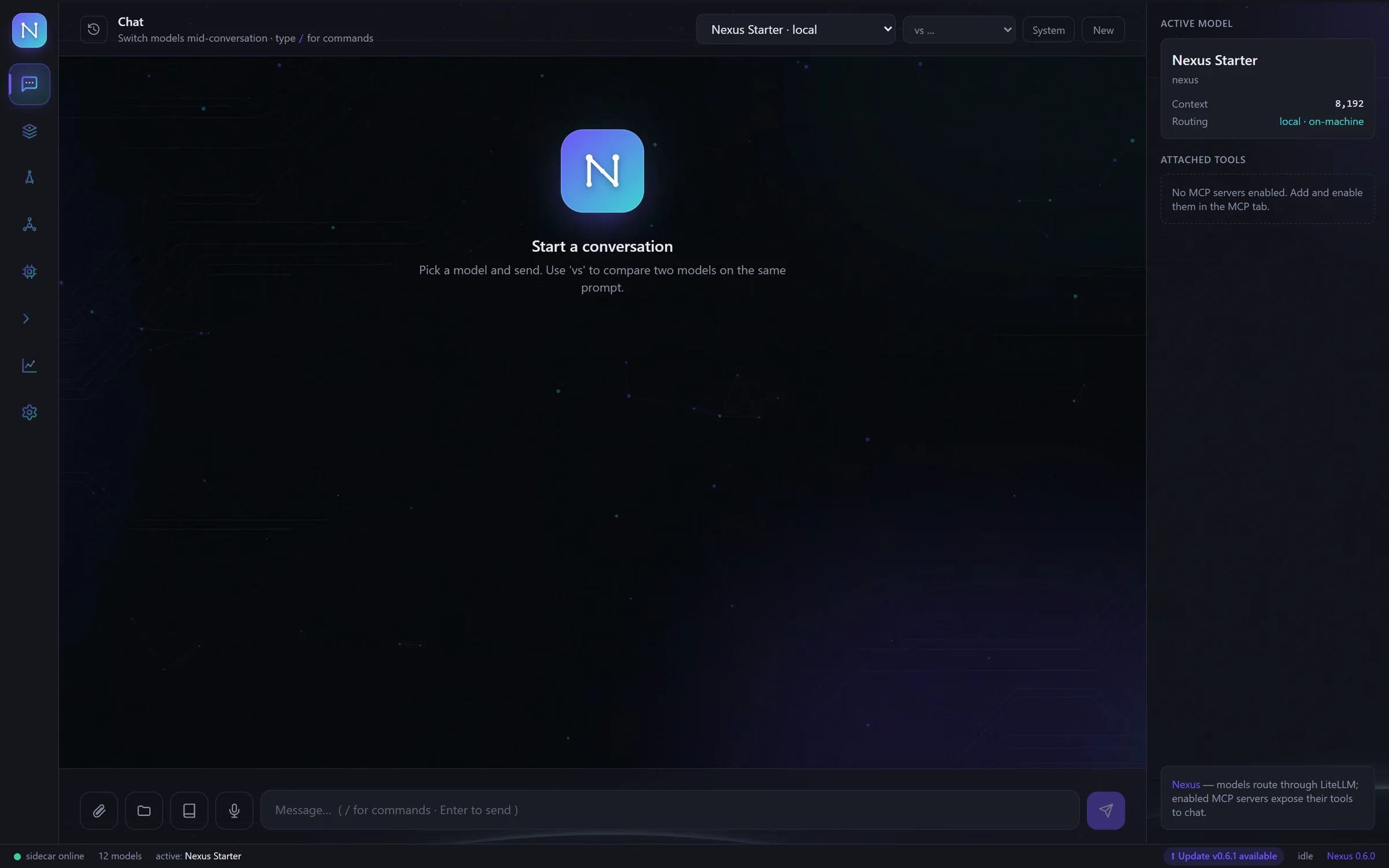
every model in one chat — switch mid-conversation. Single-model apps can't.
50+ providers, one key each — thousands of models, no subscription stack.
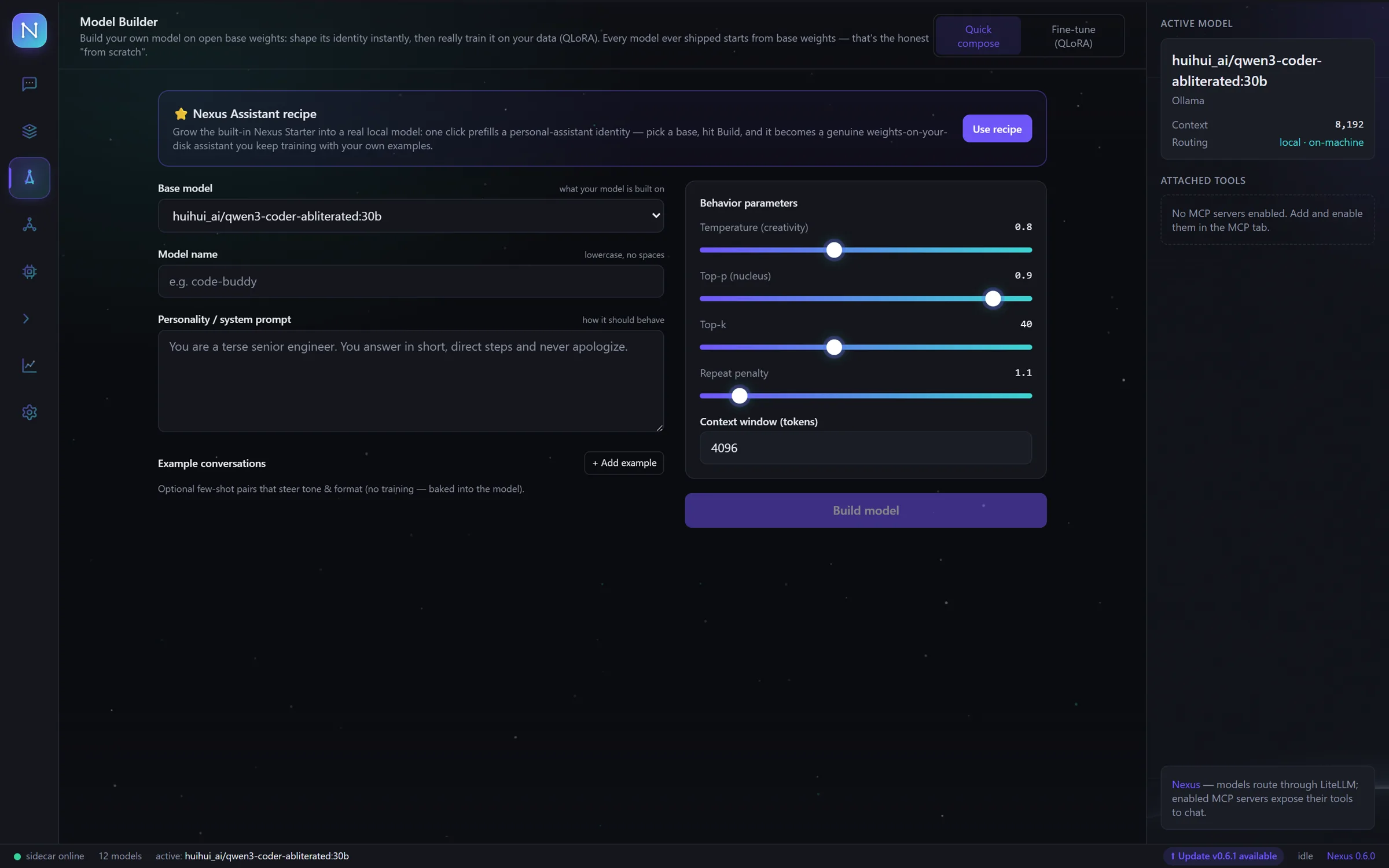
truly train a model on your data with QLoRA — most apps just wrap prompts.
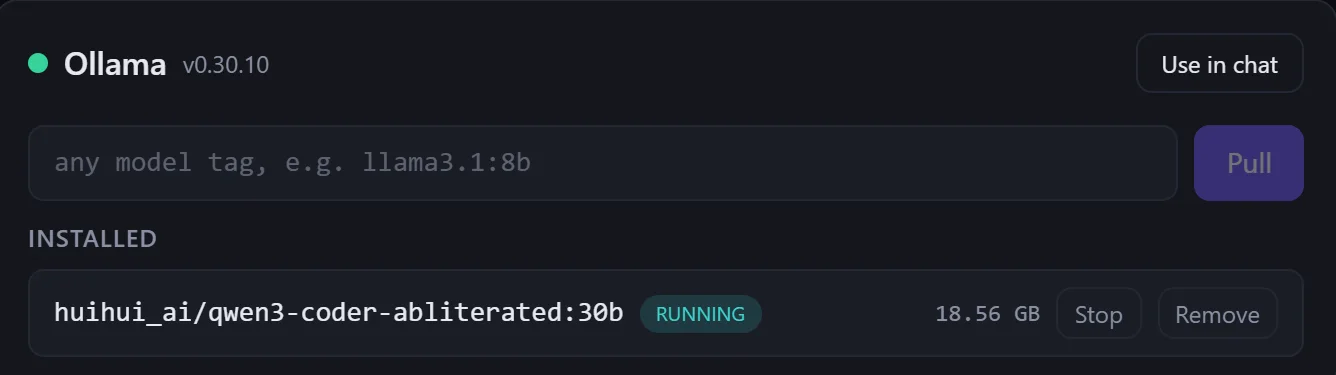
a 30B model on your own GPU — works offline, your data never leaves.
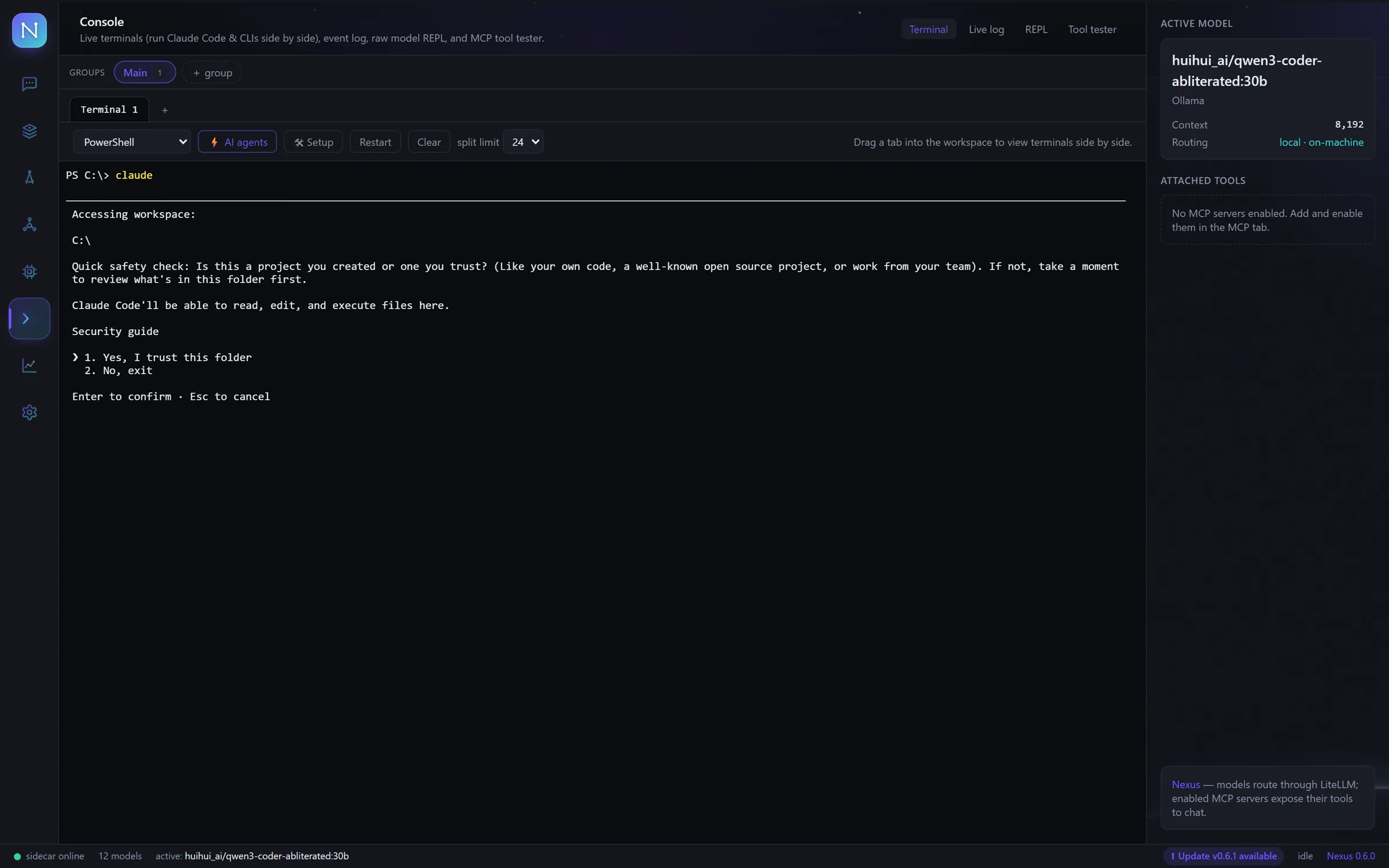
Claude Code runs inside — chat on one side, ship on the other.
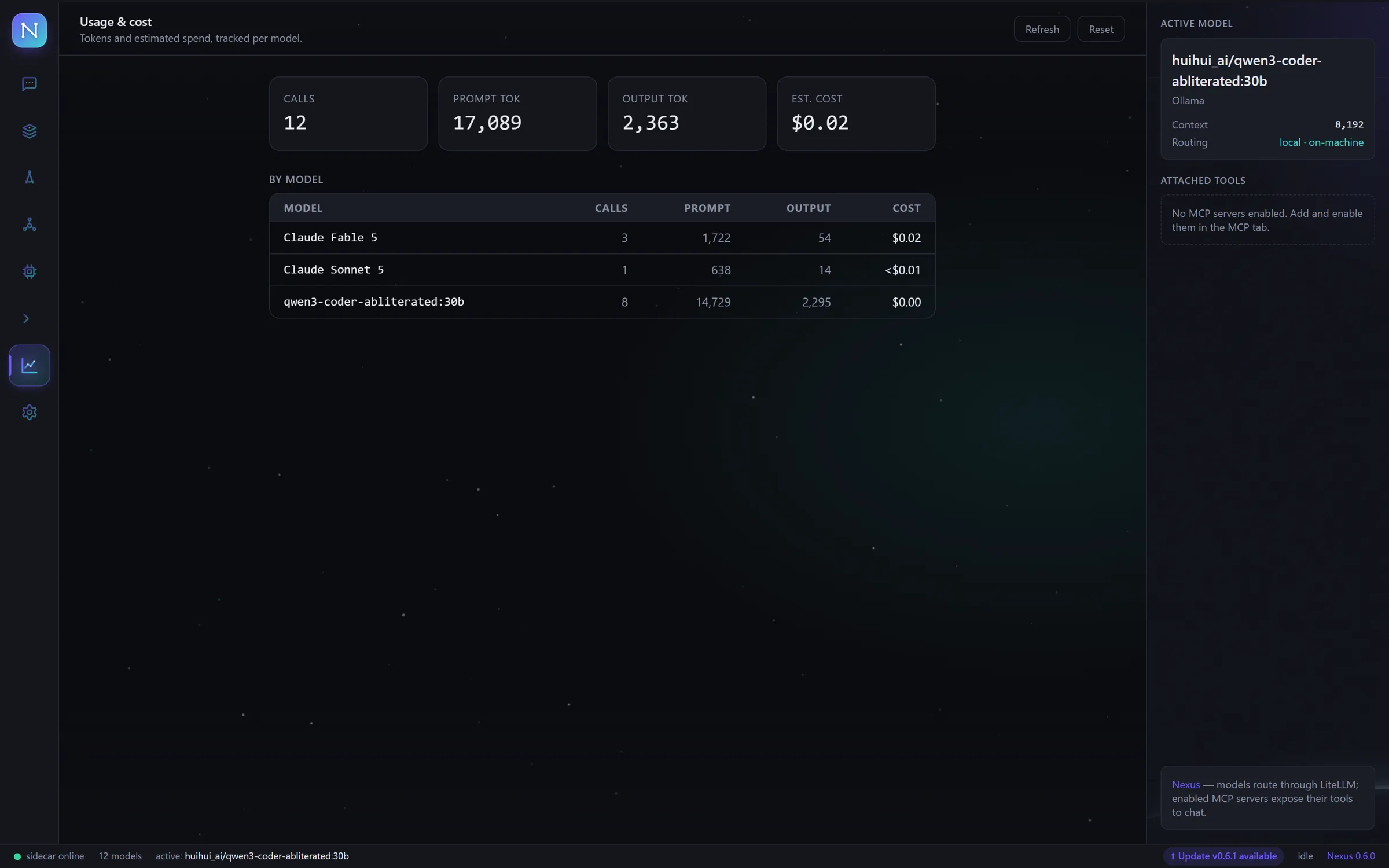
every token and dollar live per reply — no surprise bills at month-end.
// 02 · instruments
Nine instruments, one window — every screenshot is the real app.
Add one API key per provider and every model lands in the same cockpit. Search the whole catalog by provider or model name.
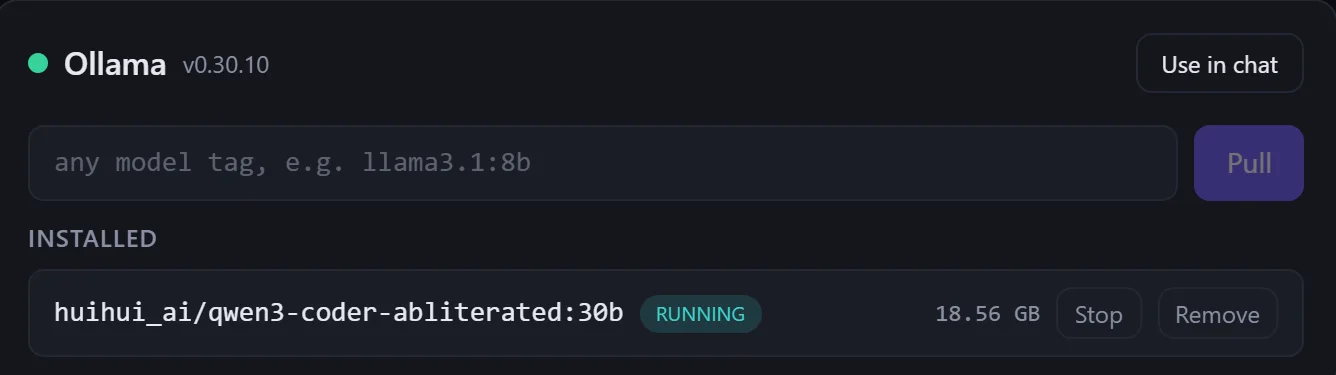
Point Nexus at Ollama or LM Studio and your own hardware answers beside the cloud — a 30B model on your GPU, no key needed.
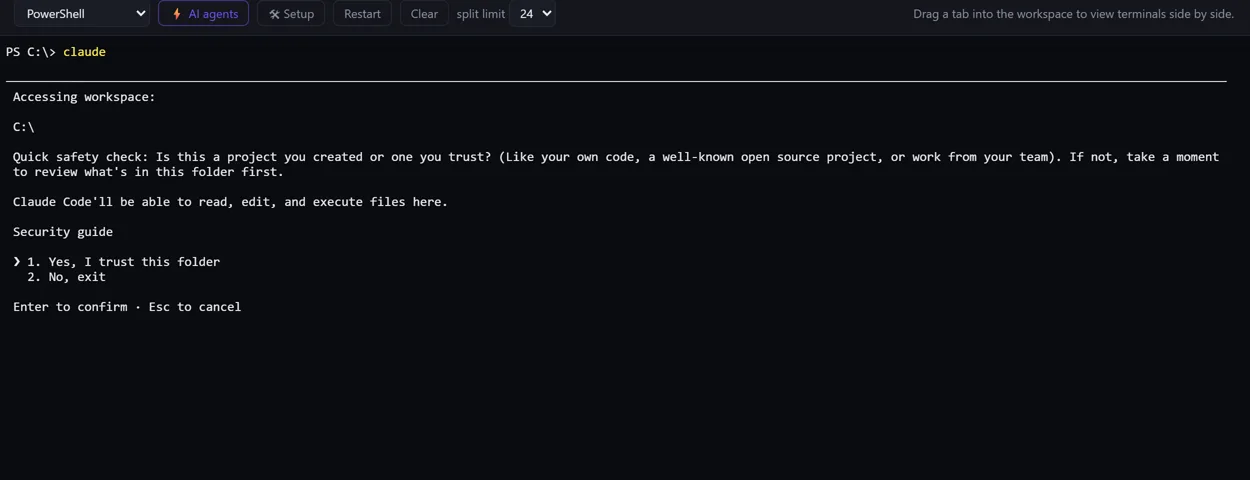
Live terminals run Claude Code and any CLI side by side without leaving the deck. Chat on one side, ship on the other.
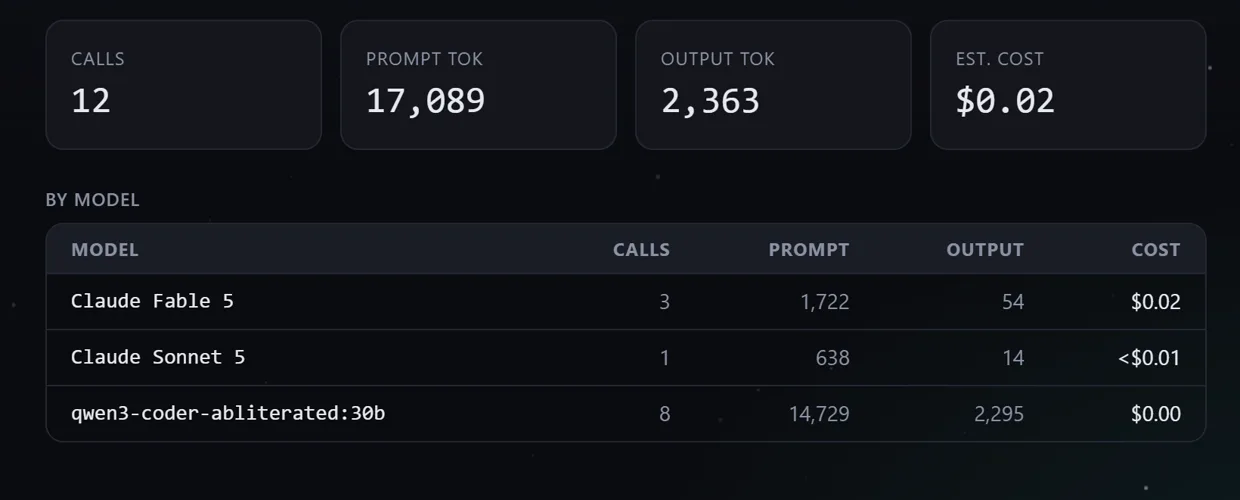
Live token and dollar readouts per reply, spend tracked per model, automatic fallback when a route fails.
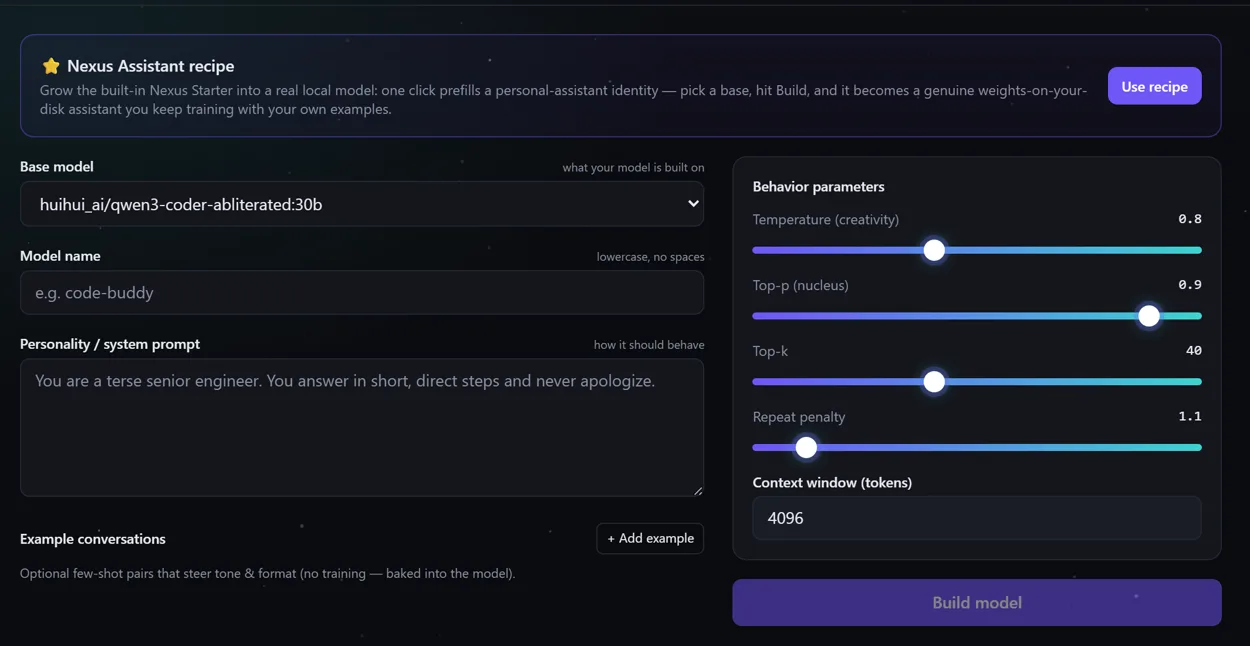
Shape a local model's identity in minutes, then really train it on your data with QLoRA — your weights, on your disk.
Web search and page fetch are built in; wire any MCP server for more. Every model gets hands, not just words — and it all stays on your machine.
Your chats, models, skills and notes become a living knowledge graph. Link anything to anything, watch the connections form, and rebuild it from your latest work in one click.
Neural voices read replies aloud and every model can wear its own voice persona. Dictate with your mic, listen while you work — the deck talks back.
Group terminals into split layouts, save reusable skills any model can run, and back up the whole deck — chats, keys, settings — in one click.
// 03 · preflight
One installer for Windows, macOS or Linux. The 14-day trial starts on first launch — no account, no card.
Paste any provider's API key, or point Nexus at Ollama. Keys live in your OS keychain, not in files.
Chat with any model, call tools, watch costs, switch providers mid-conversation. The deck is yours.
// 04 · the math
// 05 · boarding
14 days
Every feature unlocked. No card, no account.
Download for Windows$20 / month in credits
Top up credits with USDC or USDT — renewal takes 20/month. Key by email, works offline, stop any time by not topping up.
Get your keystablecoin checkout · no card · no tracking
// 06 · flight manual
In your operating system's keychain — Windows Credential Manager on Windows. Never in plain files, and never sent anywhere except directly to the provider you're calling.
With local models through Ollama, yes — chat runs entirely on your machine. Cloud providers need a connection, and your license key itself activates offline.
Anything your keys unlock: GPT, Claude, Gemini, Mistral, Groq, DeepSeek and 40+ more providers, plus any model you run locally with Ollama.
Chat locks until you add a license key. Nothing is deleted — your conversations, keys and settings stay on your machine and unlock with the key.
You top up credits ($20–$1000) by sending USDC or USDT to a payment address — no card, no processor. Your key then renews itself for 20 credits a month. Crypto transfers can't be reversed, so all sales are final; that's what the free trial is for.
Your key keeps working through a 3-day grace period while we email you. After that it pauses — nothing is deleted — and topping up reactivates it automatically within minutes.
Not for the app — the trial has no signup and there's no telemetry. Buying a key uses a simple email account so your credits and license have a home you can sign back into.
Nexus checks for new releases and installs updates from inside the app — one click on the status bar when a new version lands.
Fourteen days, every feature, your keys. See what flying feels like.